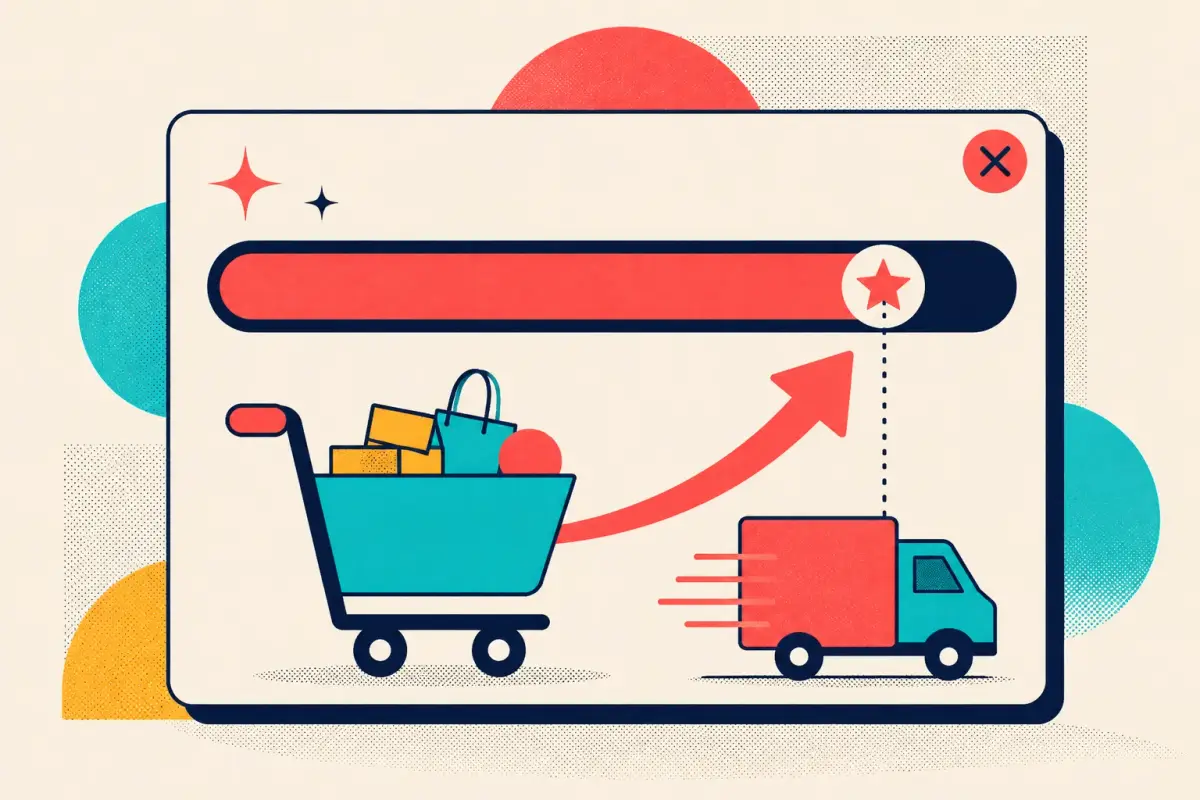
"You're $18 away from free shipping" outperforms almost any upsell you can build. A free-shipping progress bar is the cheapest average-order-value lever in ecommerce: it costs nothing to run, it works on shoppers already in buying mode, and it turns your shipping policy — which you were paying for anyway — into a reason to add one more item. Here's the threshold math, the placement, and the copy that make it earn.
No invented hero numbers here, because you don't need them. The mechanism is simple and reliable, and the exact lift is specific to your store. What follows is how to set it up so the lift shows up.
Why it works
Two forces do the work. The first is goal-gradient: people push harder as they get closer to a finish line, and a progress bar makes the finish line visible. A shopper holding a $42 cart who can see they're $8 from free shipping has a concrete, achievable goal — and adding a $9 item to clear it feels like winning, not spending.
The second is loss framing. Paying for shipping when free shipping was right there feels like a loss the shopper chose. Surfacing an unexpected shipping cost late is also one of the top reasons carts get abandoned — the Baymard Institute puts documented cart abandonment at around 70%, with surprise costs high on the list of causes. A progress bar addresses both at once: it lifts AOV and takes a shipping surprise off the table before checkout.
The threshold math
The whole tactic lives or dies on where you set the bar. Too low and you give away shipping without moving anything; too high and you kill conversion by making the goal feel out of reach.
The heuristic that works for most stores: set the free-shipping threshold at roughly your current AOV × 1.2 to 1.3. If your typical order is $60, put free shipping around $72–$78. That gap is small enough to feel achievable from a normal cart and large enough to nudge a meaningful share of orders upward.
Treat that as a starting point, not a law. Set it, then watch AOV and conversion rate together for two weeks. If conversion drops hard, the bar is too high — pull it down. If AOV barely moves, it's too low — push it up. The right number is store-specific, and the only way to find it is to move it and read both metrics. There's a fuller treatment of the surrounding tactics in how to raise your Shopify average order value.
Watch AOV and conversion together.
A threshold that lifts AOV while quietly suppressing conversion can look like a win on one dashboard and a loss on another. Always read the two side by side. The goal is more revenue in total, not a bigger number on a smaller pile of orders.
Placement and copy
The bar has to be where the decision happens. That means the cart and the sticky header, not a banner the shopper scrolled past ten minutes ago.
- Show the exact gap. "You're $18 away from free shipping" beats "Spend $75 for free shipping," because it does the subtraction for the shopper and states the goal in terms of their current cart.
- Update it live. As items go in, the bar fills and the number drops. Watching "$18 away" become "$6 away" is the goal-gradient effect made visual, and it's far more motivating than a static line.
- Celebrate the finish. When the shopper clears the bar, say so — "Free shipping unlocked." The small hit of completion confirms the decision and discourages second-guessing.
- Pair it with the popup layer. A progress prompt can also surface as a well-timed gamified popup — on the cart, on exit intent — reminding a stalling shopper how close they are to the free-shipping line.
A free-shipping progress bar turns your shipping policy into an upsell you already paid for. "You're $8 away" is a goal; "Spend $75" is a chore.
Put the free-shipping goal where they'll act on it.
Build a progress prompt into your cart and exit flows with WooHoo — live threshold, celebratory unlock, no code — so the AOV lever runs on every order.
Set it, then tune it
Pick a threshold at roughly 1.2–1.3× your AOV, show the exact remaining gap on the cart, update it live, and celebrate the unlock. Then watch AOV and conversion together for two weeks and move the number until both look right. It's the cheapest AOV lever you have, it runs itself once it's set, and it quietly makes a shipping surprise one less reason for a cart to walk.
Frequently asked questions
Where should I set my free-shipping threshold?
Start at roughly your current average order value times 1.2 to 1.3 — high enough above a typical cart to nudge an extra item, low enough to still feel achievable. Then watch AOV and conversion rate together for two weeks and adjust: lower it if conversion drops hard, raise it if AOV barely moves.
Do free-shipping progress bars actually increase AOV?
Yes, when framed as a target. Showing the exact gap — "You're $18 away from free shipping" — triggers the goal-gradient effect, where shoppers push harder as a visible finish line gets closer. It also removes a surprise shipping cost, one of the top documented causes of cart abandonment, so it lifts order value and reduces abandonment at once.
Where should the progress bar appear?
Where the decision happens: on the cart and in a sticky header, updating live as items are added. Reinforce it with a well-timed cart or exit-intent popup for shoppers who are close to the threshold. A banner the shopper scrolled past earlier does almost nothing.